Useful for document workflows
Convert photographed notes, exported charts, receipts, or scanned page images into a PDF that is easier to print and attach to document systems.
Turn a JPG image into a clean PDF document in your browser without creating an account or sending the image to a conversion server.
or choose any supported file from your computer
Up to 8 files · 30.0 MB each · 80.0 MB totalKeeps a clean printable file for sharing.
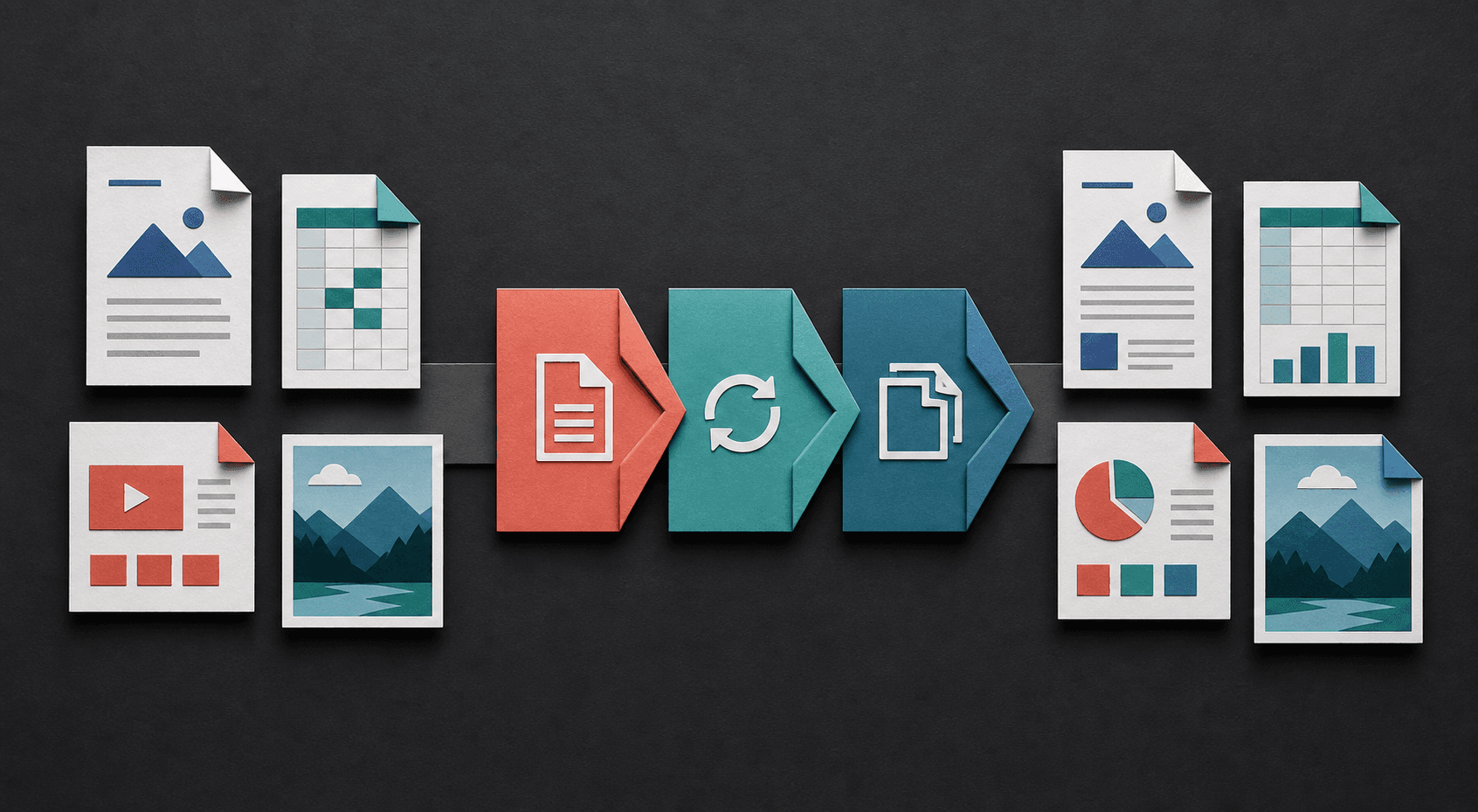
Turn fixed pages into editable text, package images as documents, or reshape tabular information for sharing. Each conversion starts with the file already on your device.
PDF is easier to print, archive, and share in document workflows. This converter places the selected JPG image into a PDF while keeping its visible content intact.
Convert photographed notes, exported charts, receipts, or scanned page images into a PDF that is easier to print and attach to document systems.
The PDF cannot restore detail that is missing from the original JPG. Start with the highest-quality source image available for sharper text and cleaner printing.
The image is read and placed into a PDF locally in your browser. No account is required, and the file is not intentionally uploaded to a remote conversion server.
Rotate the JPG upright, crop unnecessary borders, and begin with the highest-resolution source available. Conversion can package the image as a document but cannot recover detail already lost to blur or compression.
Open the PDF and use print preview to confirm that the image is upright, proportional, and readable at the intended paper size. Keep the original JPG if it may be edited or reused later.
No. The PDF preserves the available JPG content but cannot recreate detail lost through compression or a low-resolution source.
You can queue multiple JPG files. Each image is converted to its own PDF, and multiple outputs are packaged in a ZIP download.
Conversion is designed to run in your browser, so the selected image is not intentionally uploaded to a conversion server.
The converter preserves the source image proportions and fits it within the PDF page. Empty space can remain when the image and page have different aspect ratios.
The current batch flow creates one PDF per queued JPG and packages multiple outputs in a ZIP. It does not currently merge all selected images into one multi-page PDF.
Learn how to choose an output in the file format guide, check a result with the conversion quality checklist, or review the help and FAQ.