Designed for readable documents
Simple paragraphs and ordinary document content work best. Advanced Word features such as tracked changes, macros, floating objects, and complex tables may not carry over.
Create a clean PDF from readable DOCX content directly in your browser, with no account and no remote conversion upload.
or choose any supported file from your computer
Up to 8 files · 30.0 MB each · 80.0 MB totalKeeps a clean printable file for sharing.
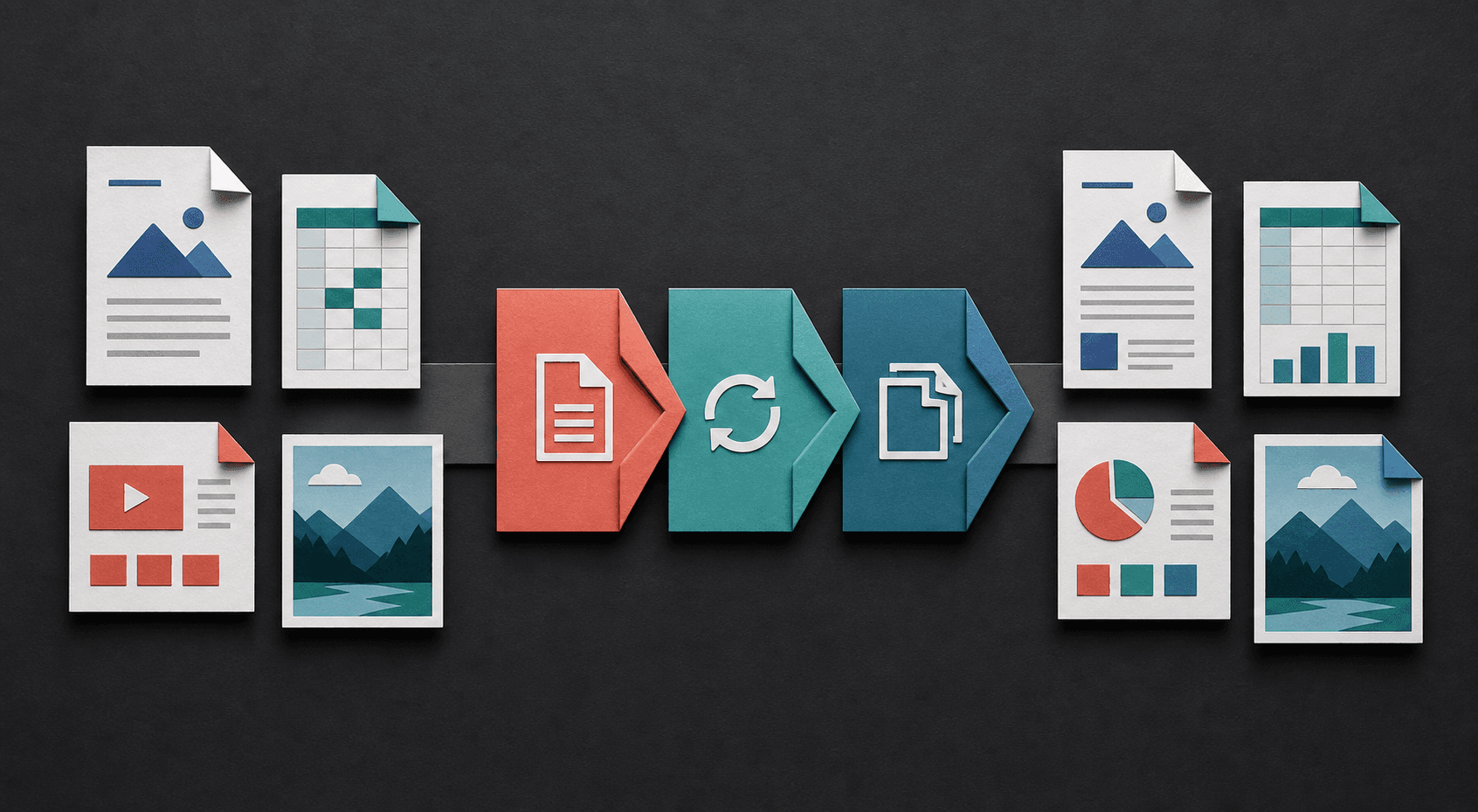
Turn fixed pages into editable text, package images as documents, or reshape tabular information for sharing. Each conversion starts with the file already on your device.
PDF is useful when a document needs a stable, widely readable output. The converter extracts readable DOCX content and builds a straightforward PDF for sharing or archiving.
Simple paragraphs and ordinary document content work best. Advanced Word features such as tracked changes, macros, floating objects, and complex tables may not carry over.
The generated PDF can use different spacing, fonts, and page breaks from Microsoft Word. Check contracts, resumes, forms, and print-ready files before using the result.
The DOCX file is processed in your browser. You can convert and download the PDF without creating a profile or intentionally uploading the document to a conversion server.
Accept or reject tracked changes, confirm the intended page size, and remove comments that should not appear. Use common fonts when possible and save the DOCX after opening it successfully in your normal editor.
Compare the page count and inspect headings, links, tables, image proportions, and the final paragraph. Use print preview when the PDF is intended for paper, and retain the DOCX as the editable source.
No. Basic readable content converts best, while embedded fonts, advanced tables, and positioned elements can change.
The converter supports the newer DOCX format. Open an older DOC file in Word or another editor and save it as DOCX first.
No account is required to convert a supported DOCX file and download the resulting PDF.
Advanced review features are not reliably reproduced. Resolve tracked changes and remove comments in Word before conversion when the final PDF must not reveal them.
Check page count, the last line of each section, tables, images, links, and any text that uses an unusual font. Print preview is useful for documents intended for paper.
Learn how to choose an output in the file format guide, check a result with the conversion quality checklist, or review the help and FAQ.