Best with selectable text
Text-based PDFs produce the most useful Word output. A scanned PDF that contains only page images usually needs OCR, which this converter does not currently provide.
Turn readable PDF text and page images into an editable DOCX document without sending the file to a conversion server.
or choose any supported file from your computer
Up to 8 files · 30.0 MB each · 80.0 MB totalCreates a Word file from readable text and images.
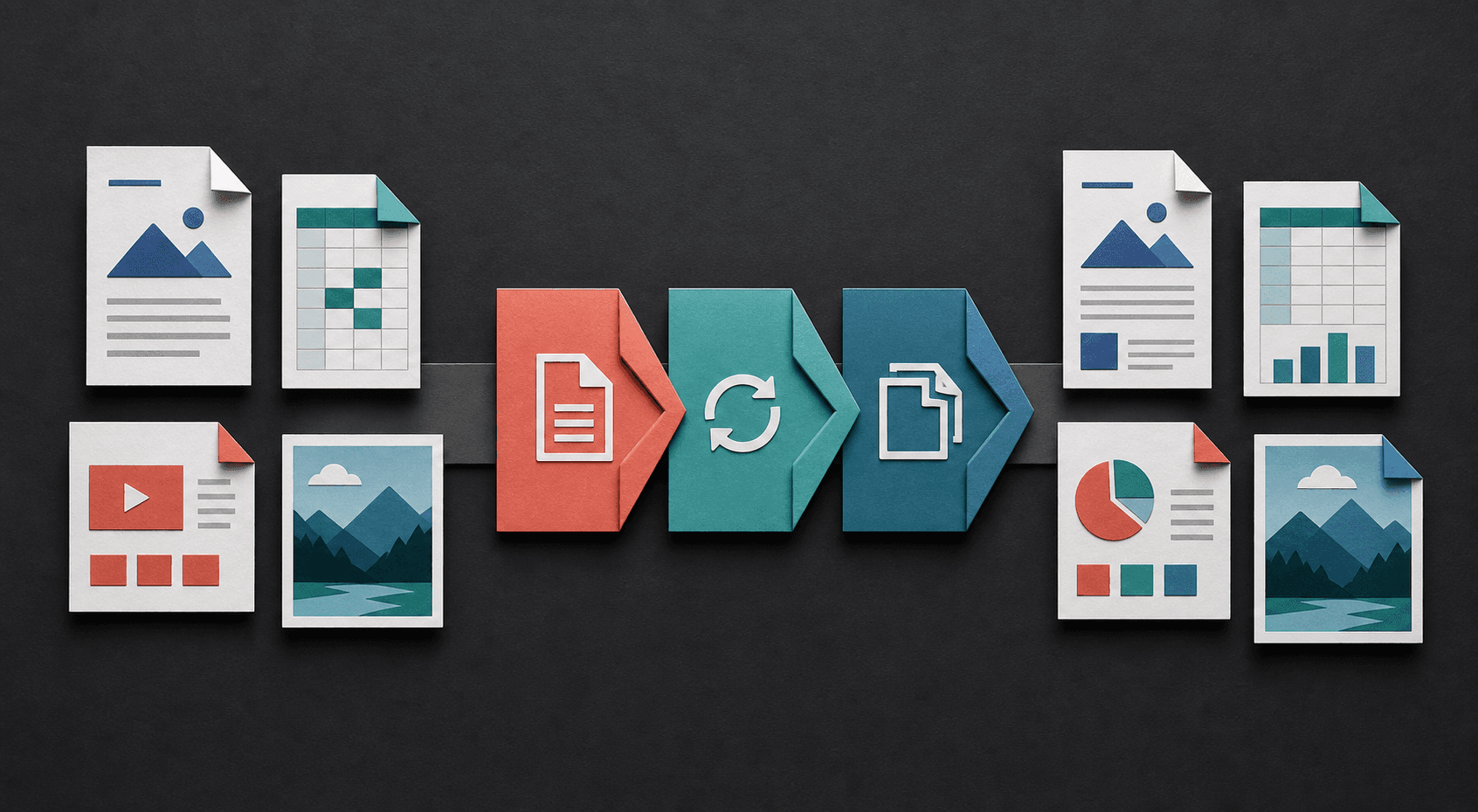
Turn fixed pages into editable text, package images as documents, or reshape tabular information for sharing. Each conversion starts with the file already on your device.
PDF stores a fixed page design, while Word uses editable, flowing document content. This converter prioritizes readable text and useful page images instead of promising a pixel-perfect reconstruction.
Text-based PDFs produce the most useful Word output. A scanned PDF that contains only page images usually needs OCR, which this converter does not currently provide.
Fonts, columns, tables, line positions, and page breaks may move because DOCX and PDF describe a page differently. Compare important documents before sharing them.
The PDF is read and converted on your device. You do not need an account, and the selected file is not intentionally uploaded to a remote conversion service.
Try selecting and copying one sentence in your PDF viewer. If individual words cannot be selected, the page is probably scanned. The converter can preserve scanned pages visually in DOCX, but editable recognition requires OCR first.
Open the DOCX in the word processor the recipient will use. Check page order, headings, lists, tables, image proportions, names, dates, and totals. Keep the original PDF beside the editable copy for comparison.
Not reliably. Scanned PDFs usually contain images rather than selectable text and require optical character recognition.
Not always. The converter preserves readable content where possible, but complex fixed layouts can change in an editable DOCX file.
Conversion is designed to run locally in your browser, so the selected PDF is not intentionally uploaded to a conversion server.
PDF positions content on fixed pages, while Word reflows content using fonts, margins, styles, and the available page size. Different line and page breaks are expected when reconstructing editable content.
Compare the first, middle, and final pages with the PDF, then verify important tables, names, dates, totals, images, and reading order before sharing it.
Learn how to choose an output in the file format guide, check a result with the conversion quality checklist, or review the help and FAQ.