One image per page
Each page becomes its own JPG file. When a PDF has multiple pages, the converter packages the images together in a ZIP download.
Export each PDF page as a shareable JPG image directly on your device. Multi-page documents are packaged into one ZIP download.
or choose any supported file from your computer
Up to 8 files · 30.0 MB each · 80.0 MB totalExports pages as high-quality shareable images.
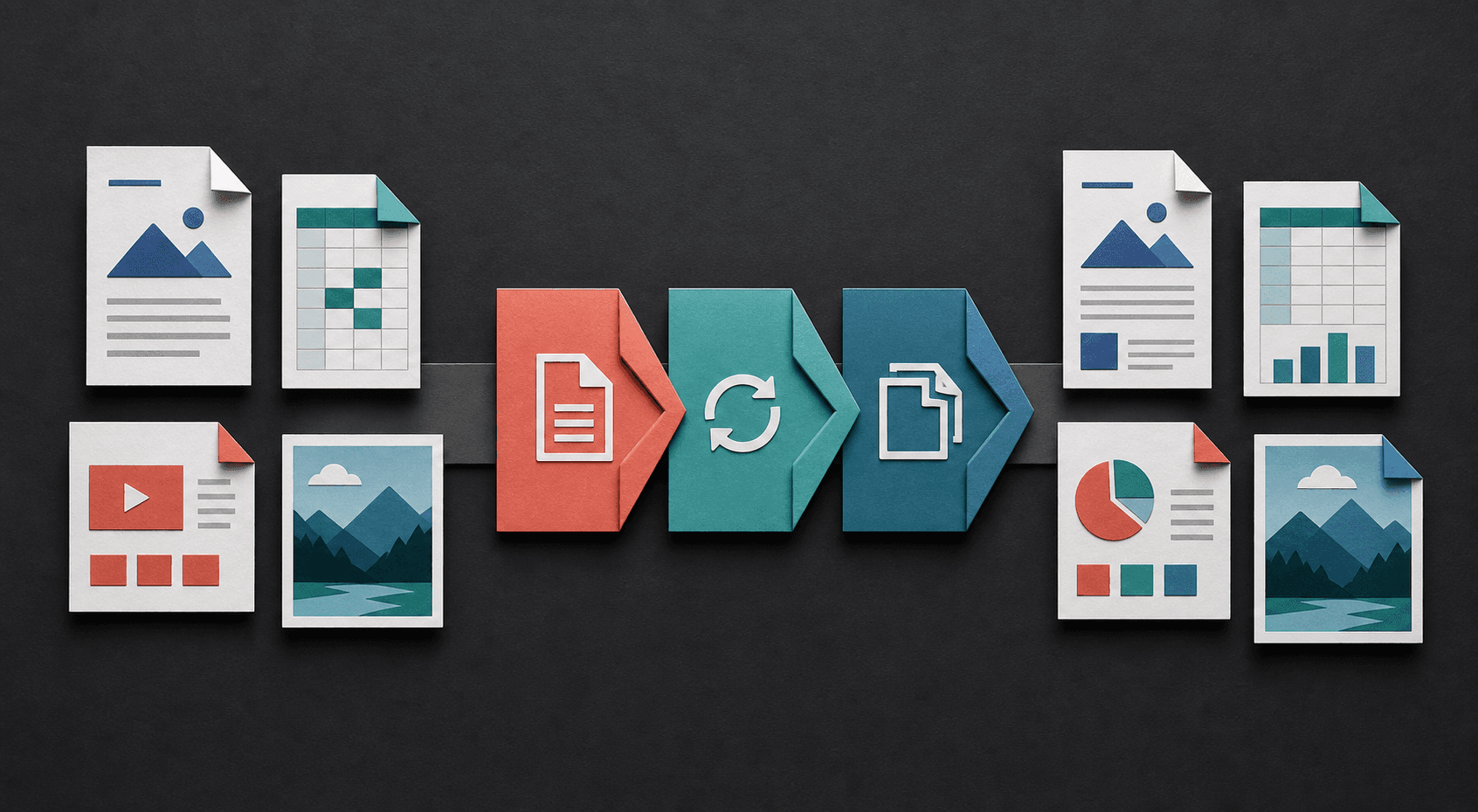
Turn fixed pages into editable text, package images as documents, or reshape tabular information for sharing. Each conversion starts with the file already on your device.
A JPG export turns the visible page into an image, which is useful for previews, slide inserts, thumbnails, and systems that do not accept PDF files.
Each page becomes its own JPG file. When a PDF has multiple pages, the converter packages the images together in a ZIP download.
JPG output preserves the visible appearance of a page, but its text is no longer editable or searchable. Keep the original PDF when selectable text matters.
The browser renders the PDF pages on your device before creating the JPG files. The document is not intentionally uploaded to a remote conversion server.
JPG is convenient for photographs, thumbnails, and platforms that reject PDF. For diagrams, screenshots, or small text, PNG is often clearer because its compression does not introduce edge artifacts.
Multi-page output uses one numbered image per page and downloads as a ZIP. Extract the archive, confirm the first and last page, and inspect small text at 100 percent zoom before discarding the PDF.
Yes. Each PDF page is exported separately, and multiple JPG files are downloaded together in a ZIP.
No. A JPG is a raster image, so page text becomes part of the image.
No. JPG does not support transparency. Use PDF to PNG when transparency or lossless output matters.
A JPG can hold only one image, so each PDF page becomes a separate file. ZIP keeps all page images together and avoids triggering many individual browser downloads.
Use JPG when smaller files are more important and the page is mostly photographic. Use PNG for screenshots, diagrams, transparency, or pages with small sharp text.
Learn how to choose an output in the file format guide, check a result with the conversion quality checklist, or review the help and FAQ.